Email Append vs Email Validation: What to Do First and Why
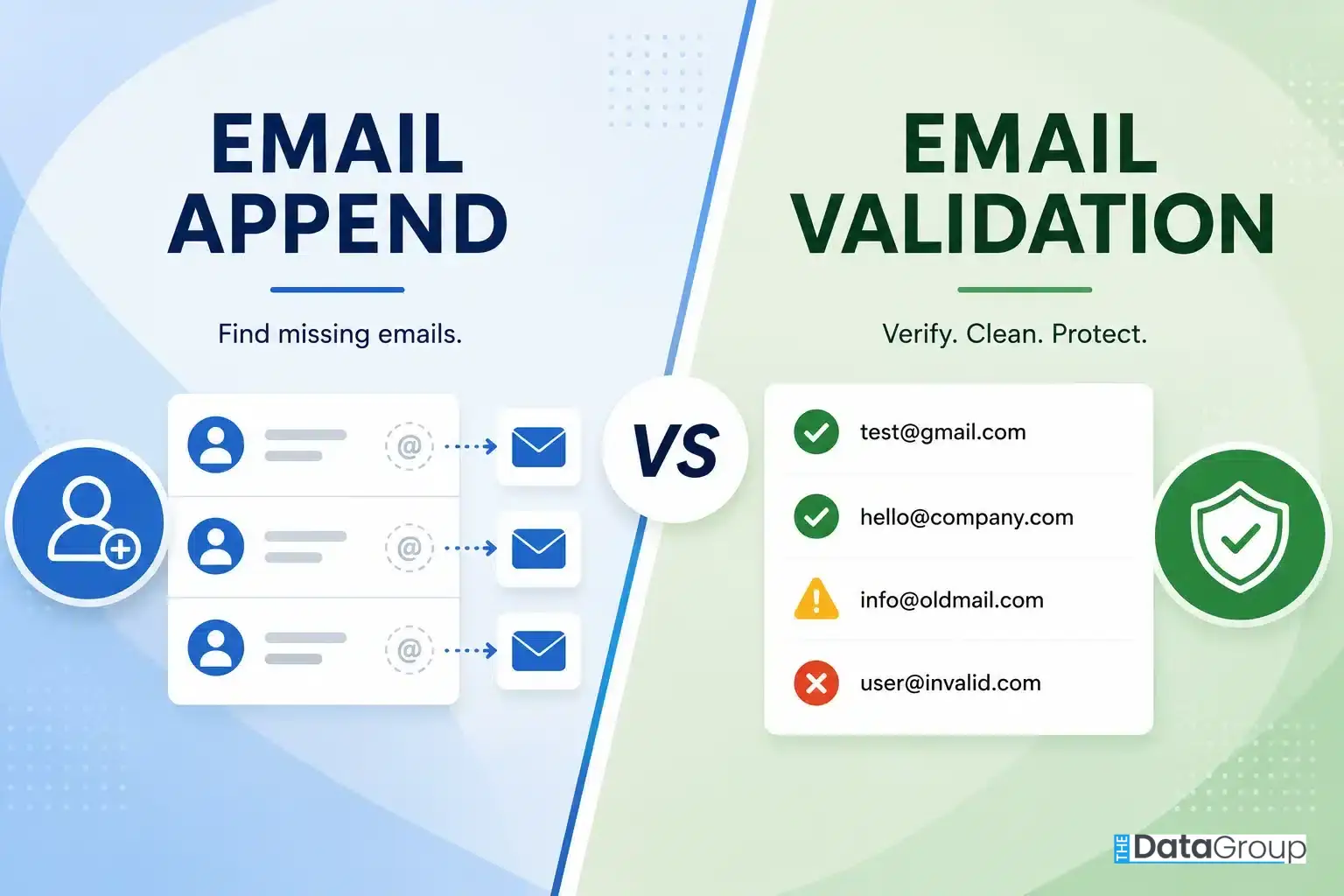
Email append expands reach by adding missing addresses to known customer records. Email validation protects deliverability by checking the addresses you already have. The right first step depends on whether your database is incomplete, outdated, or both.
Quick Answer
If your database already contains email addresses, validate those addresses before the next campaign. If valuable customer records are missing emails, run email append. If your file has both problems, validate existing emails first, append the missing addresses next, and make sure every appended email is verified before use.
- Use email validation to reduce invalid, risky, or outdated addresses before sending.
- Use email append to recover reach from known customers whose records lack email.
- Use both when your CRM has missing fields and stale addresses.
Bad Data Costs More Than Missed Emails
Bad data is expensive. Bad customer data is even more expensive because it quietly removes reachable customers from campaigns and distorts the results marketers use to make decisions.
Many teams focus on adding new contacts. Fewer teams stop to ask whether the customer records they already own are complete, current, and usable. Some records are missing email addresses altogether. Others contain addresses that no longer receive mail. That is where teams usually get stuck.
Should you find missing email addresses first with email append, or should you verify the addresses you already have with email validation? Both improve customer data quality, but they solve different problems. Choosing the wrong first step can waste budget, delay campaigns, and hide the real reason performance is falling.
What Is Email Append?
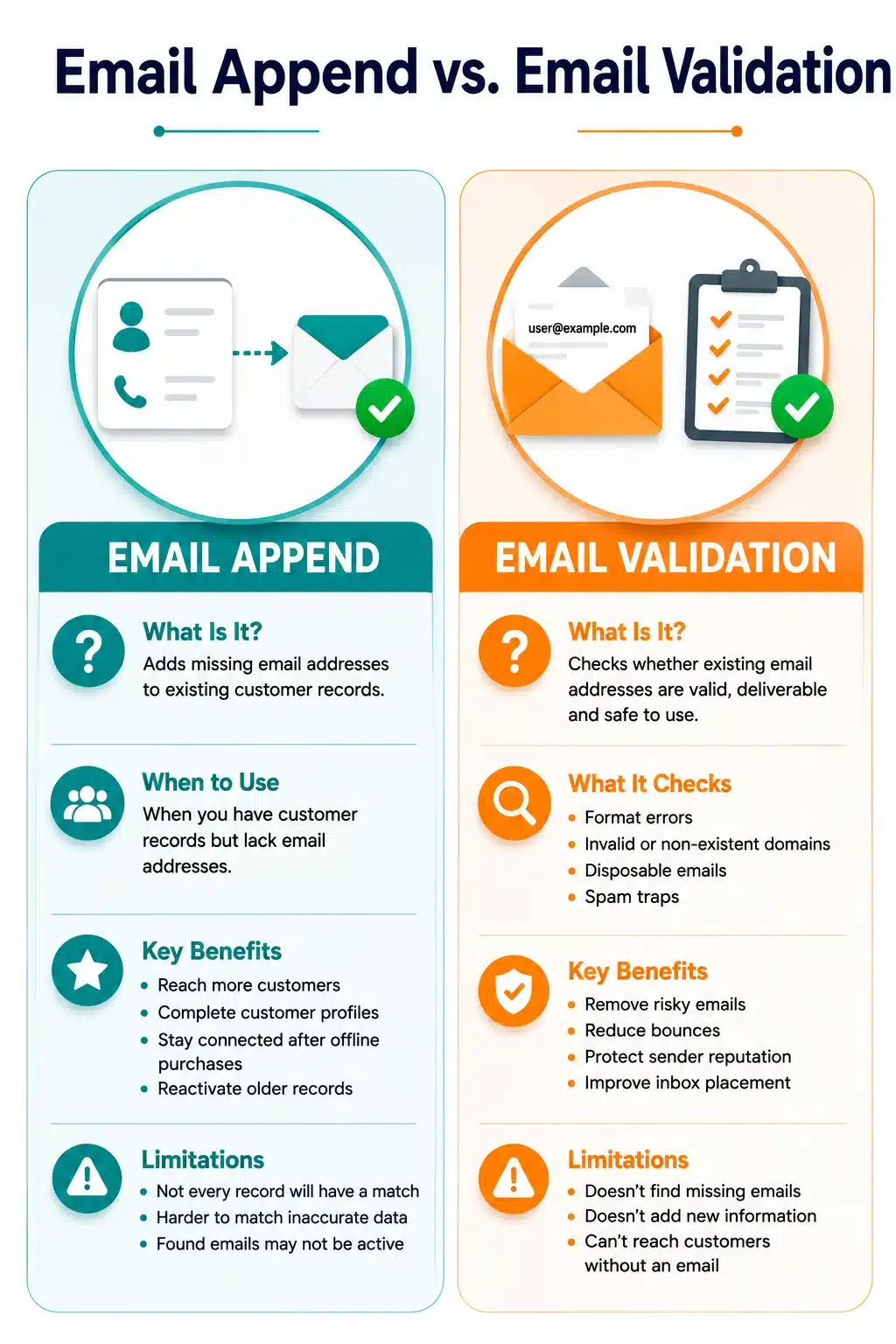
Email append services add missing email addresses to existing customer records using identifiers such as name, postal address, phone number, or other customer details. Email append helps businesses reconnect with customers they already know but cannot currently reach by email.
When Businesses Use Email Append
Use email append when the customer record exists but the email field is blank or incomplete. Common examples include:
- CRM records with names and phone numbers but no email addresses
- Offline customer databases collected through stores, events, appointments, or paper forms
- Legacy customer records built before email became the primary marketing channel
- Direct mail lists that need a permission-conscious email activation path
What Email Append Helps You Do
- Reach customers whose email addresses were never collected
- Turn incomplete records into more usable customer profiles
- Reconnect with customers after an offline purchase or inquiry
- Bring older customer records back into campaign planning
- Increase the share of known customers who can receive relevant follow-up
Limits to Keep in Mind
- Not every customer record will have a reliable matching email address.
- Records with weak or inaccurate identifiers are harder to match.
- Finding an email address does not automatically mean it is safe to send.
- A strong append workflow verifies appended emails before delivery or activation.
What Is Email Validation?
Email validation checks whether an email address is formatted correctly, associated with a receiving domain, and likely to be usable before a campaign is sent. It improves the quality of addresses already stored in your database and supports the broader data verification workflow.
What Email Validation Checks
- Formatting and syntax mistakes
- Domains that no longer exist or cannot receive mail
- Temporary or disposable email addresses
- Generic role-based addresses such as info@ or support@
- Known risk signals that may affect deliverability
- Mailbox or receiving signals when available
What Email Validation Helps You Do
- Remove addresses that are unlikely to receive messages
- Reduce avoidable bounces before a major send
- Protect sender reputation and inbox placement
- Make campaign reporting easier to trust
- Spot outdated records before they damage performance
Limits to Keep in Mind
Validation improves the quality of known email addresses, but it will not:
- Find missing email addresses
- Add new customer information
- Turn an incomplete customer record into a complete profile
- Increase the number of customers you can contact by itself
Email Append vs Email Validation
The clearest way to compare the two is to look at the question each one answers.
| Feature | Email Append | Email Validation |
|---|---|---|
| Core question | Which known customers are missing email addresses? | Which existing email addresses are still usable? |
| Best for | Incomplete customer databases | Lists that already contain email addresses |
| Primary benefit | Expands reachable audience | Improves list quality and deliverability readiness |
| Adds new emails | Yes, when a reliable match is found | No |
| Flags invalid or risky emails | Only if validation is built into the append workflow | Yes |
| Best first step when | Many valuable records have no email address | Most records already have emails |
| Output | More complete customer records | Cleaner, segmented, or suppressed email records |
Most Databases Need Both
Most customer databases have two problems at the same time: some records are missing email addresses, and some existing addresses are old, inactive, or risky. Email append addresses the first problem. Email validation addresses the second. The stronger strategy is to use both in the right order.
Why Incomplete Data Hurts Marketing
Every customer without an email address is a known customer you cannot include in nurture, win-back, loyalty, or cross-sell campaigns. You may know who they are and what they bought, but without a usable email address they are left out of the conversations that keep customers engaged.
Why Stale Data Distorts Performance
If thousands of customers never receive your email, it is easy to blame the campaign. You may rewrite the subject line, change the offer, or question the creative when the deeper issue is that the contact data was not campaign-ready.
For commercial email, pair data quality work with compliance and sender-readiness checks. The FTC provides a CAN-SPAM compliance guide, and Google publishes email sender guidelines that cover authentication, respectful sending, and delivery expectations for Gmail recipients.
How to Evaluate Your File
Use this guide as a decision framework, not a preference for one service. The right order depends on the condition of your records, the reliability of the identifiers available for matching, and the risk of sending to stale or unverified addresses.
- Completeness: What share of customer records have no email address?
- Freshness: When were existing emails last verified, used, or updated?
- Match confidence: Which identifiers are available for matching, such as name, postal address, phone number, or customer ID?
- Suppression and consent: Which contacts should be excluded before activation?
- Delivery path: Will the project run as a batch file or through a data API workflow?
These checks connect the recommendation to the same practical data-quality questions used when planning data append services, email validation, and campaign activation.
Not Sure Which Problem Your Database Has?
Upload a sample file. The Data Group can identify missing email gaps, validation risk, and realistic contactability lift before you commit to a full project. Email append pricing starts at $0.02 per match.
What Should You Do First: Email Append or Email Validation?
Use the current condition of your database to choose the first move.
| Database condition | Recommended first move | Why |
|---|---|---|
| Many records are missing email addresses | Run email append, then validate appended emails | You cannot validate an address that is not there yet. |
| Most records already have email addresses | Run email validation first | Existing emails only create value if they can receive messages. |
| The database has both missing and outdated emails | Validate existing emails, append missing ones, then verify appended results | This protects deliverability while expanding reach. |
The Ideal Email Data Quality Workflow
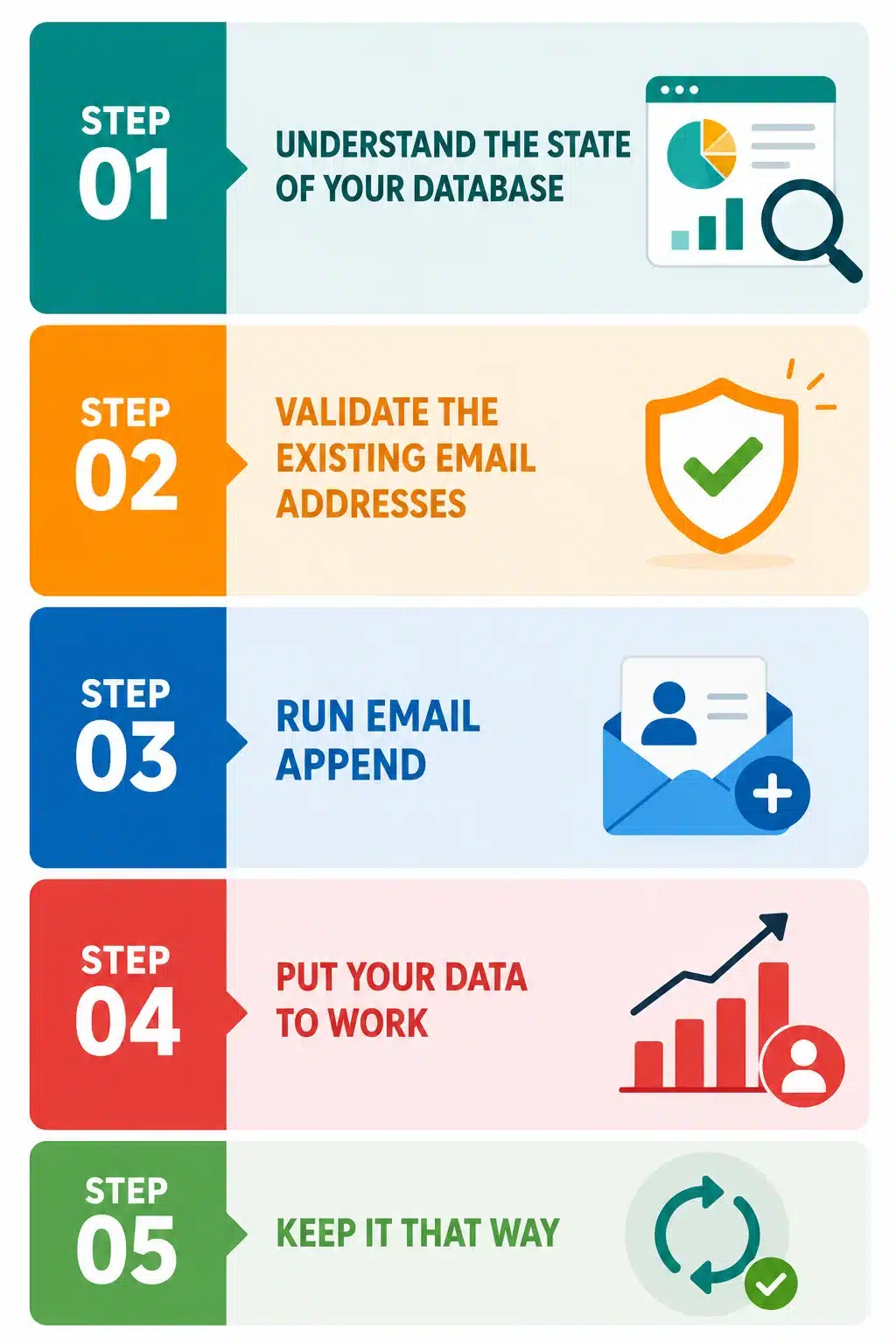
For databases with both existing email addresses and missing email fields, use this sequence.
Audit the File
Measure records with emails, missing emails, and last-used dates before choosing a solution.
Validate Existing Emails
Classify current addresses as usable, invalid, risky, or suppression candidates.
Segment or Suppress
Separate unsafe records from campaign-ready or controlled-test segments.
Append Missing Emails
Match incomplete records to reliable email data using the strongest identifiers.
Verify Appended Results
Validate found emails before treating them as campaign-ready.
Activate and Maintain
Use cleaned segments, then repeat validation and append as records change.
Choosing the Right Email Data Provider
A few direct questions can tell you more than a sales brochure.
What to Look For
- Match methodology: How does the provider connect customer records to email addresses?
- Input requirements: Which fields improve match quality?
- Validation layer: Are appended emails verified before delivery?
- Reporting: Will you receive match, validation, and suppression detail?
- Compliance practices: How is data sourced, handled, protected, and suppressed when needed?
- Delivery options: Can the provider support batch files, API workflows, or both?
Questions Worth Asking
- What identifiers produce the best match quality for this type of file?
- Do you validate every appended email before delivery?
- Which validation statuses or deliverability signals are included?
- How do you handle opt-outs, suppression, and compliance requirements?
- Can you provide a sample match or validation report before a full project?
- How often is your data refreshed?
FAQs
Is email appending the same as email validation?
No. Email append adds missing email addresses to known customer records. Email validation checks whether existing email addresses are usable, risky, or invalid.
Should I validate before email append?
If your database already has email addresses, validate those first. If records are missing emails, append the missing addresses and validate the appended results before sending.
Can email append improve deliverability?
Not directly. Email append expands the reachable audience. Email validation and good sending practices protect deliverability by reducing invalid or risky sends.
How often should email validation be performed?
Validate before major campaigns and on a regular cadence for active lists. A quarterly check is a practical baseline for many marketing databases.
Is email append compliant?
Compliance depends on lawful data sourcing, permissible use, notice and consent requirements, suppression practices, and the jurisdictions that apply to your audience. Treat append as part of a broader compliance workflow, not as a shortcut around it.
What is the best workflow for a mixed database?
Audit the file, validate existing emails, suppress risky records, append missing emails, verify appended emails, activate the clean segments, and repeat the process as records age.